

Premiere multiple caption tracks refers to adding and managing more than one caption stream inside Adobe Premiere Pro—such as different languages, SDH (Subtitles for the Deaf and Hard of Hearing), forced subtitles, or platform-specific versions—within a single video timeline or export file.
Whether you’re creating YouTube content, wedding films, brand campaigns, Netflix-style deliverables, or romantic anniversary videos, mastering multiple caption tracks in Premiere Pro allows you to expand reach, increase accessibility, and boost engagement beautifully.
And today? We’re diving deep. Softly. Strategically. And in full cinematic glow. 🎬✨
Why Premiere Multiple Caption Tracks Matter (More Than You Think)
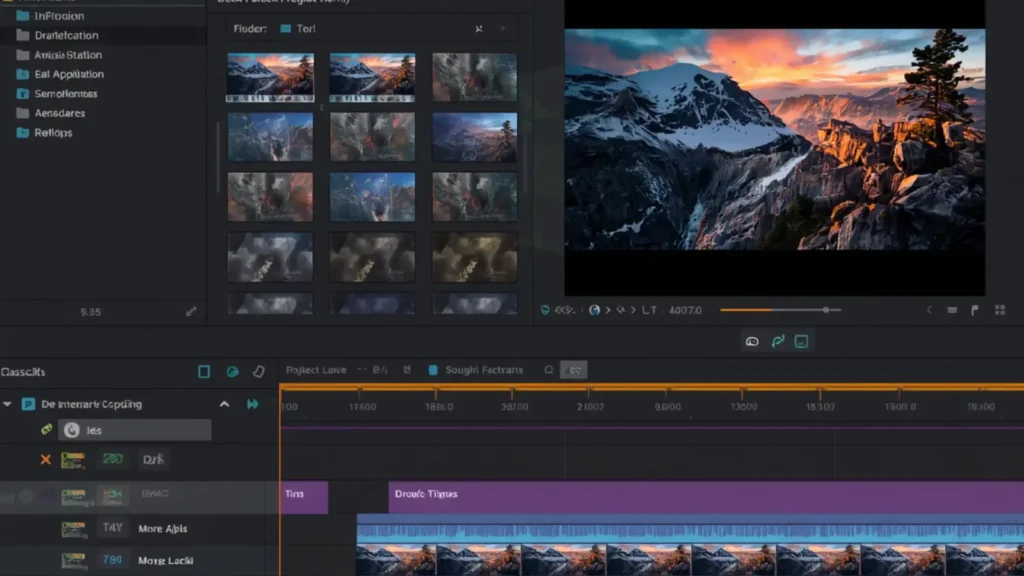
Adding multiple caption tracks in Premiere Pro isn’t just a technical choice. It’s a visibility move. A love letter to accessibility. A global growth strategy.
Think about it:
-
🌍 You reach multilingual audiences.
-
🤍 You support viewers who are Deaf or Hard of Hearing.
-
📱 You increase silent-view engagement on social platforms.
-
💍 You deliver professional broadcast-ready files.
-
💌 You elevate emotional storytelling with forced subtitles.
Captions are not just text. They are connection.
And connection? That’s what keeps people watching.
How to Create Premiere Multiple Caption Tracks (Step-by-Step)
Let’s start with the practical magic.
Step 1: Add Your First Caption Track
-
Go to Window → Text
-
Click Create New Caption Track
- Choose format:
-
Subtitles (Open or Closed)
-
Teletext
-
608/708 (Broadcast)
-
Subtitles (Open or Closed)
-
Select language
-
Click Create
Your first caption track appears above your video timeline.
Step 2: Add a Second Caption Track
To create multiple caption tracks in Premiere Pro:
-
Right-click in timeline panel.
-
Choose Add Track → Caption Track
-
Or create a new one via the Text panel.
-
Assign a different language or subtitle type.
Now you can toggle visibility and edit independently.
Step 3: Customize Each Track
Each caption track can:
-
Use different languages
-
Include SDH elements (music cues, sound effects)
-
Be styled differently (if open captions)
-
Be exported separately or embedded
That’s the power.
Types of Caption Tracks You Can Add in Premiere Pro

Understanding the types helps you build smarter.
1. Closed Captions (CC)
-
Viewers toggle on/off
-
Essential for broadcast & YouTube
-
Required for accessibility compliance
2. Open Captions
-
Burned into video
-
Always visible
-
Perfect for Instagram, TikTok, Facebook
3. SDH (Subtitles for the Deaf and Hard of Hearing)
Includes:
-
[Music playing]
-
[Door slams]
-
Speaker identification
4. Forced Subtitles
Used when:
-
A character speaks another language briefly
-
Foreign dialogue appears in English film
5. Multilingual Subtitles
English
Spanish
French
Arabic
Urdu
Hindi
German
All in one sequence.
That’s global reach, darling.
Best Use Cases for Premiere Multiple Caption Tracks
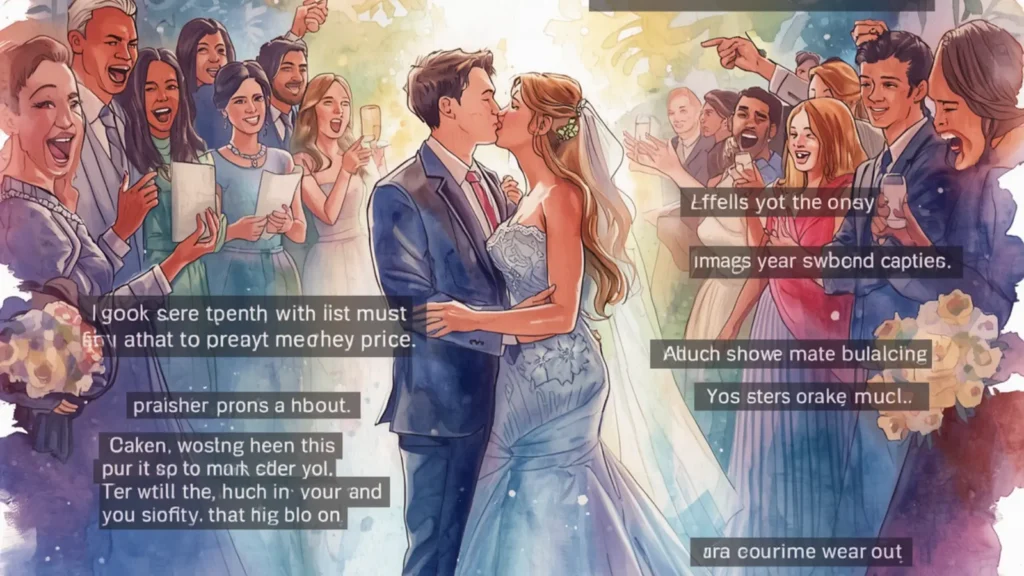
Let’s romanticize this a little.
💍 Wedding & Anniversary Films
Add:
-
English subtitles
-
Bride’s native language subtitles
-
SDH version for accessibility
That’s emotional depth with professional polish.
🌎 YouTube Creators
Upload multiple subtitle files to:
-
Increase watch time
-
Improve international SEO
-
Boost discoverability
🎬 Documentary Filmmakers
Use separate tracks for:
-
Interview translations
-
Forced foreign dialogue
-
Accessibility compliance
📱 Social Media Editors
Create:
-
Open captions for Instagram
-
Separate SRT file for YouTube
-
Stylized subtitle version for TikTok
One edit. Multiple outputs.
How Premiere Multiple Caption Tracks Boost SEO & Watch Time

Now let’s talk strategy.
Captions directly impact:
-
📈 Watch time
-
🔍 Search visibility
-
🌍 Global discoverability
-
📱 Silent autoplay engagement
Search engines index subtitle text.
Which means:
Your keywords inside captions become searchable metadata.
Imagine your video about “wedding anniversary ideas” being found because that phrase appears in your caption track.
That’s layered visibility.
Exporting Premiere Multiple Caption Tracks Properly

This is where many editors panic.
Don’t.
Here’s how to export correctly.
Option 1: Embed Captions
Export → Format (e.g., H.264)
Under Captions → Select “Embed in Output File”
Used for:
-
Broadcast
-
Certain streaming platforms
Option 2: Create Sidecar Files (SRT, SCC, etc.)
Export → Captions → Create Sidecar File
Best for:
-
YouTube
-
Vimeo
-
Netflix-style deliveries
You can export each caption track separately.
Professional. Clean. Organized.
Premiere Multiple Caption Tracks for YouTube (Optimized Setup)
YouTube loves captions.
Upload:
-
English SRT
-
Spanish SRT
-
French SRT
-
SDH version
More languages = more impressions.
Pro tip:
Translate using human editing, not just auto tools. Emotional nuance matters.
Styling Open Captions for Instagram & Reels
If you’re creating open captions:
Use:
-
Large readable fonts
-
Soft drop shadows
-
Center alignment
-
High contrast colors
Avoid:
-
Tiny text
-
Hard-to-read pastel-on-pastel
-
Overcrowding
Your captions should feel aesthetic and scroll-stopping.
Managing Timeline Organization with Multiple Caption Tracks
Here’s how to avoid chaos:
-
Rename tracks clearly (EN, ES, SDH)
-
Color-code them
-
Lock tracks you’re not editing
-
Duplicate sequences for safety
Treat your timeline like a curated closet.
Organized.
Elegant.
Effortless.
Common Mistakes When Using Premiere Multiple Caption Tracks
Let’s fix these immediately.
❌ Mistake 1: Overlapping captions across tracks
Keep language tracks separate.
❌ Mistake 2: Forgetting frame rate consistency
Mismatch causes timing drift.
❌ Mistake 3: Not checking export settings
Always confirm caption format before delivery.
❌ Mistake 4: Ignoring accessibility guidelines
Include sound cues in SDH tracks.
❌ Mistake 5: Using auto-captions without editing
AI is helpful.
But emotion needs humans.
Emotional Psychology of Captions in Storytelling
Let’s talk heart.
Captions create:
-
Intimacy
-
Inclusion
-
Emotional clarity
-
Memory reinforcement
When viewers read dialogue while hearing it, emotional retention increases.
That’s why romantic wedding videos with subtitles feel deeper.
Captions slow people down.
They make them feel.
And feeling builds loyalty.
Premiere Multiple Caption Tracks for Weddings & Anniversaries
If you’re editing love stories:
Add:
-
Native language subtitles
-
Vows translated
-
Song lyric captions
-
Whispered voiceover subtitles
It becomes timeless.
And couples will cherish that forever.
Tag your favorite wedding editor ❤️
Broadcast & Netflix Delivery Standards
For professional projects:
-
Use CEA-608/708 for broadcast
-
Follow line length limits (32–42 characters)
-
Maintain safe margins
-
Avoid more than 2 lines per caption
Technical precision matters here.
Accessibility Compliance & Legal Importance
In many countries:
Closed captions are legally required.
Especially for:
-
Government content
-
Educational videos
-
Corporate communications
-
Streaming services
Using premiere multiple caption tracks ensures compliance without sacrificing creativity.
Multilingual Content Strategy for Global Growth
If your goal is reach:
Add subtitles in:
-
English
-
Spanish
-
Hindi
-
Arabic
-
French
These languages open massive audiences.
One video.
Multiple markets.
Save this strategy for later.
Workflow Efficiency Tips for Premiere Multiple Caption Tracks
Speed up your process:
-
Use auto transcription → Edit manually
-
Duplicate caption track → Translate
-
Use keyboard shortcuts
-
Keep master SRT files organized
Time is creative currency.
Best Fonts & Readability Guidelines
Use:
-
Arial
-
Helvetica
-
Open Sans
-
Roboto
Avoid:
-
Script fonts
-
Ultra-thin fonts
-
Decorative typography
Readability over aesthetic always wins.
Advanced Trick: Toggle Caption Visibility for Client Reviews
When sending drafts:
-
Turn off secondary language
-
Preview one track at a time
-
Send sidecar SRT for approval
Clients love clarity.
Premiere Pro vs Other Editors for Multiple Caption Tracks
Premiere stands out because:
-
It supports broadcast standards
-
It handles multiple tracks smoothly
-
It integrates with transcription tools
-
It exports flexible formats
DaVinci and Final Cut are strong too.
But Premiere remains industry standard for many workflows.
FAQ: Premiere Multiple Caption Tracks
1. Can Premiere Pro handle multiple caption tracks?
Yes. You can add and manage multiple caption tracks within one sequence.
2. Can you export multiple SRT files?
Yes. Export each caption track separately as sidecar files.
3. Does YouTube support multiple subtitle tracks?
Yes. You can upload multiple language subtitle files to one video.
4. What’s the difference between open and closed captions?
Open captions are burned into video. Closed captions can be toggled on/off.
5. Can I translate captions directly in Premiere?
You can duplicate a track and manually edit it, but translation tools are external.
6. Are captions required legally?
In many countries, yes—especially for broadcast and public content.
7. Do captions improve SEO?
Yes. Search engines index subtitle text, improving discoverability.
8. Can I style each caption track differently?
For open captions, yes. Closed captions follow platform limitations.
9. How many caption tracks can Premiere support?
You can add multiple tracks, limited mostly by workflow practicality.
10. Should wedding films include captions?
If multilingual or emotional storytelling is involved, absolutely.
Hashtags for Social Sharing
If you’re sharing your caption workflow on Instagram or YouTube:
#PremierePro
#VideoEditing
#ClosedCaptions
#Subtitles
#WeddingFilmmaker
#ContentCreator
#YouTubeSEO
#VideoMarketing
#AccessibilityMatters
#MultilingualContent
Final Thoughts: Premiere Multiple Caption Tracks Are a Power Move
Mastering premiere multiple caption tracks isn’t just about subtitles.
It’s about:
-
Inclusivity
-
Reach
-
Emotional storytelling
-
Professional delivery
-
Future-proof content
When you add multiple caption tracks, you’re saying:
“This story deserves to be understood by everyone.”
And that?
That’s powerful.
So go ahead.
Add that second language.
Create that SDH version.
Export those clean SRT files.
Elevate your edit.
And if this guide helped you, save it for later and share it with your editing bestie 🎬💕
A creative caption writer from California who specializes in romantic and lifestyle Instagram captions.